

Scheduling & routes
Know who is going where before the first flake lands.
Build routes from your bookings, put them on your crew’s phones, and watch the storm get worked from one map. When the forecast hits your trigger, PlowTrail gets the shop moving.
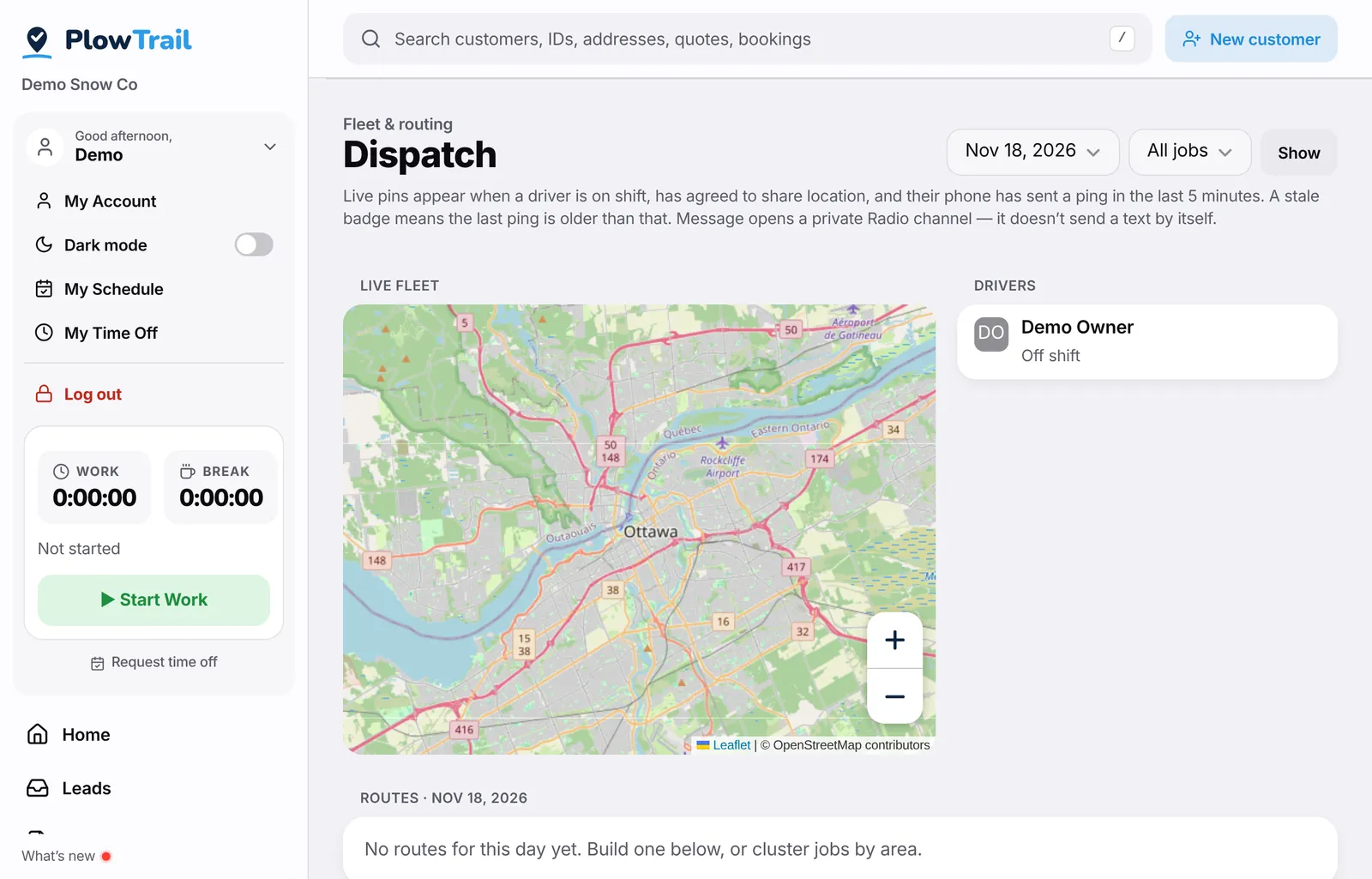
Routes your crew can follow
Group properties into routes, reorder stops or let PlowTrail tidy the order, and assign a driver. Each driver opens “My route” on their phone and works top to bottom.
A live map of the fleet
See where trucks are while crews are on shift and sharing their location, which stops are done, and who is heading where — without a group text at 4 a.m. Location sharing is off until each crew member agrees.
“On the way” with one tap
Drivers can tell the customer they’re on the way from the stop itself, so the office isn’t fielding “are you coming?” calls.
Schedules and bookings
Seasonal contracts and one-off jobs live as bookings. Everyone gets a My Schedule view of what’s theirs.
Weather triggers
Set your snow policy once — say, go out at 5 cm. When the forecast meets it, PlowTrail opens a snow event, alerts your crew on the Radio and can send customers a heads-up on your rules.
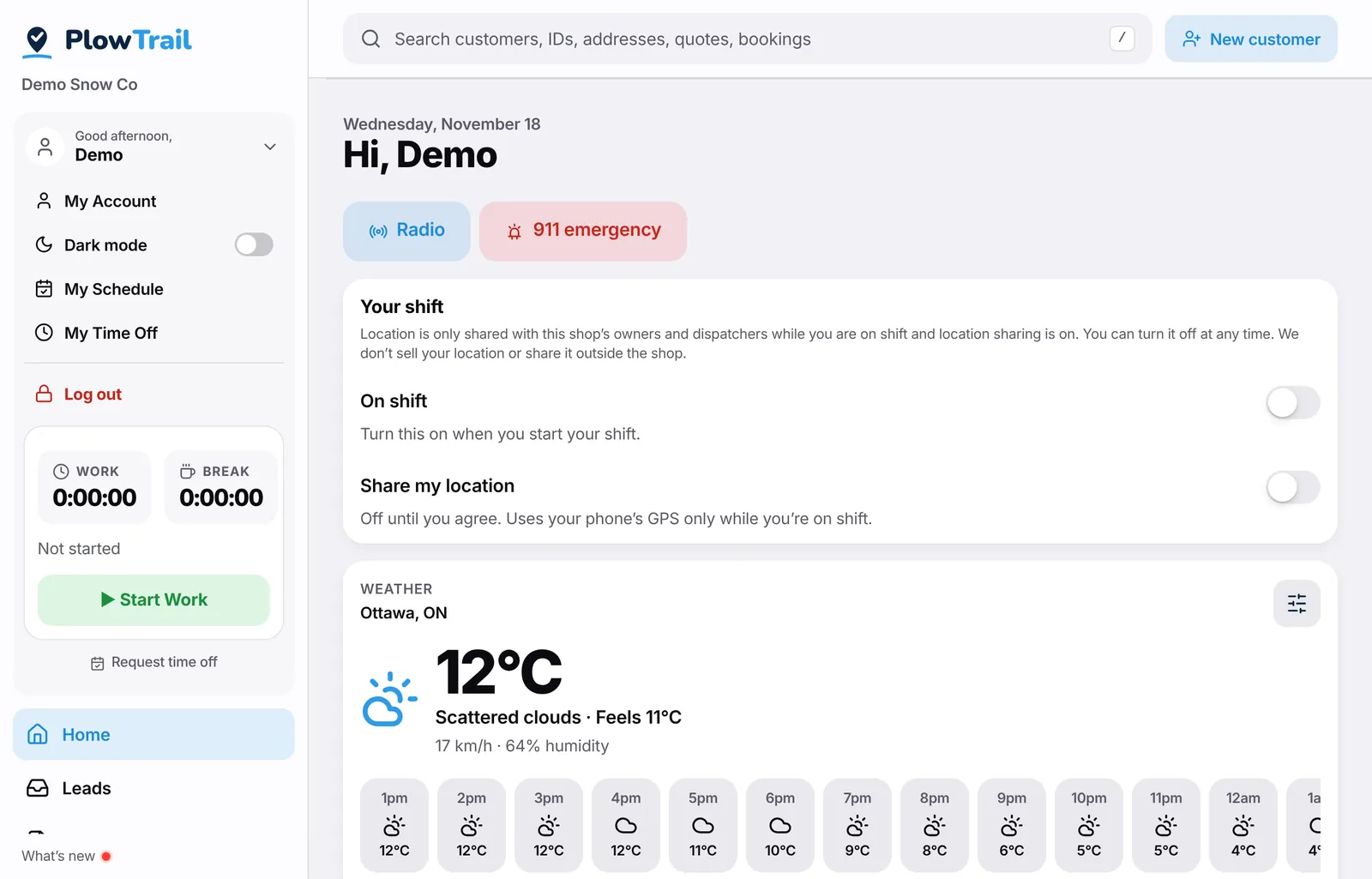
Home screen with the forecast and Start shift — from the PlowTrail demo shop.
More features
Run your next storm on PlowTrail.
14-day free trial. No credit card needed. No contract, cancel anytime.