

Crew & timeclock
Your crew, their hours and the shop talk — in one app.
Give every crew member their own login, let them clock in from the truck, and keep the conversation about a job attached to the job.
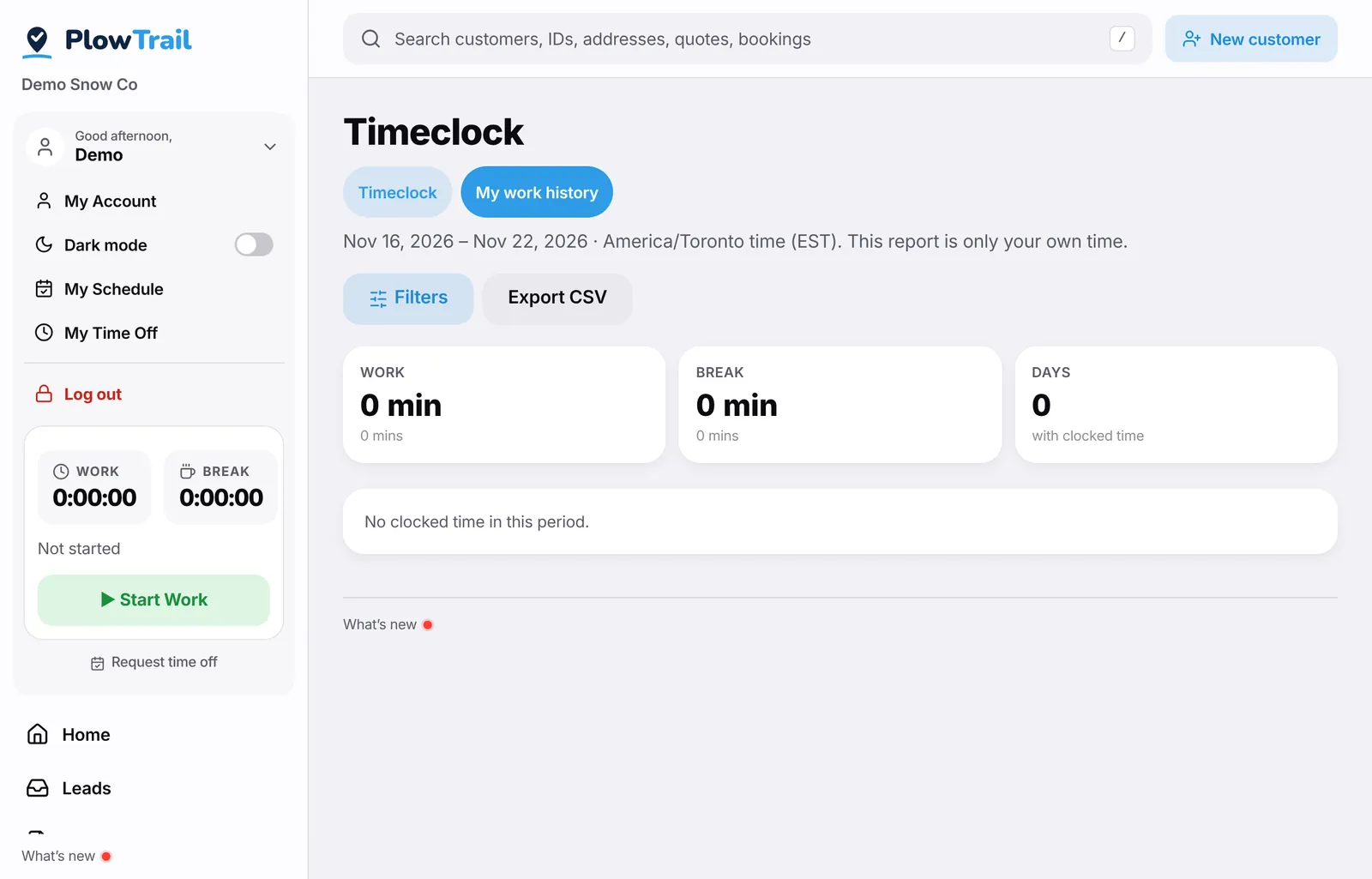
Crew logins
Invite crew members with their own sign-in and role. They see their route, their schedule and their hours — not your books.
Timeclock that works in gloves
Start work, take a break, end the day. Owners can fix a missed punch, and hours roll up into a report you can export for payroll.
Payroll deduction estimates
Turn on estimated deductions and net pay on the timeclock report, with rates you control. It’s a helper for your bookkeeper, not a payroll service.
Time off
Crew can ask for time off from the app, and you approve or decline it in one place.
The Radio
Threads for the shop, each truck and each customer. Photos and files stay with the conversation, so nothing important lives in someone’s personal texts.
Emergency button
A crew member in trouble can raise an emergency that alerts the shop with their location. It doesn’t replace calling 911 — it makes sure the shop knows too.
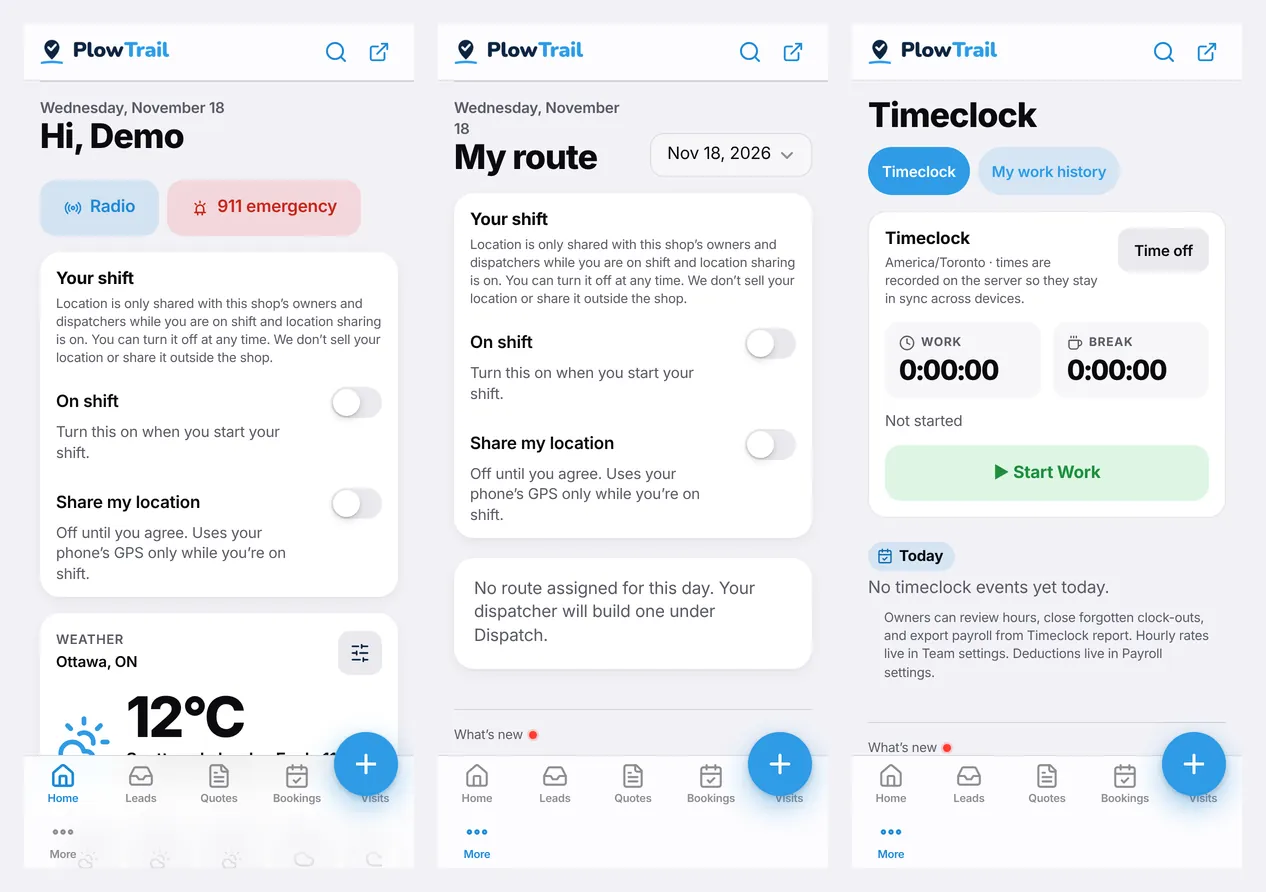
Home, My route and the Timeclock on a crew member’s phone — from the PlowTrail demo shop.
More features
Run your next storm on PlowTrail.
14-day free trial. No credit card needed. No contract, cancel anytime.